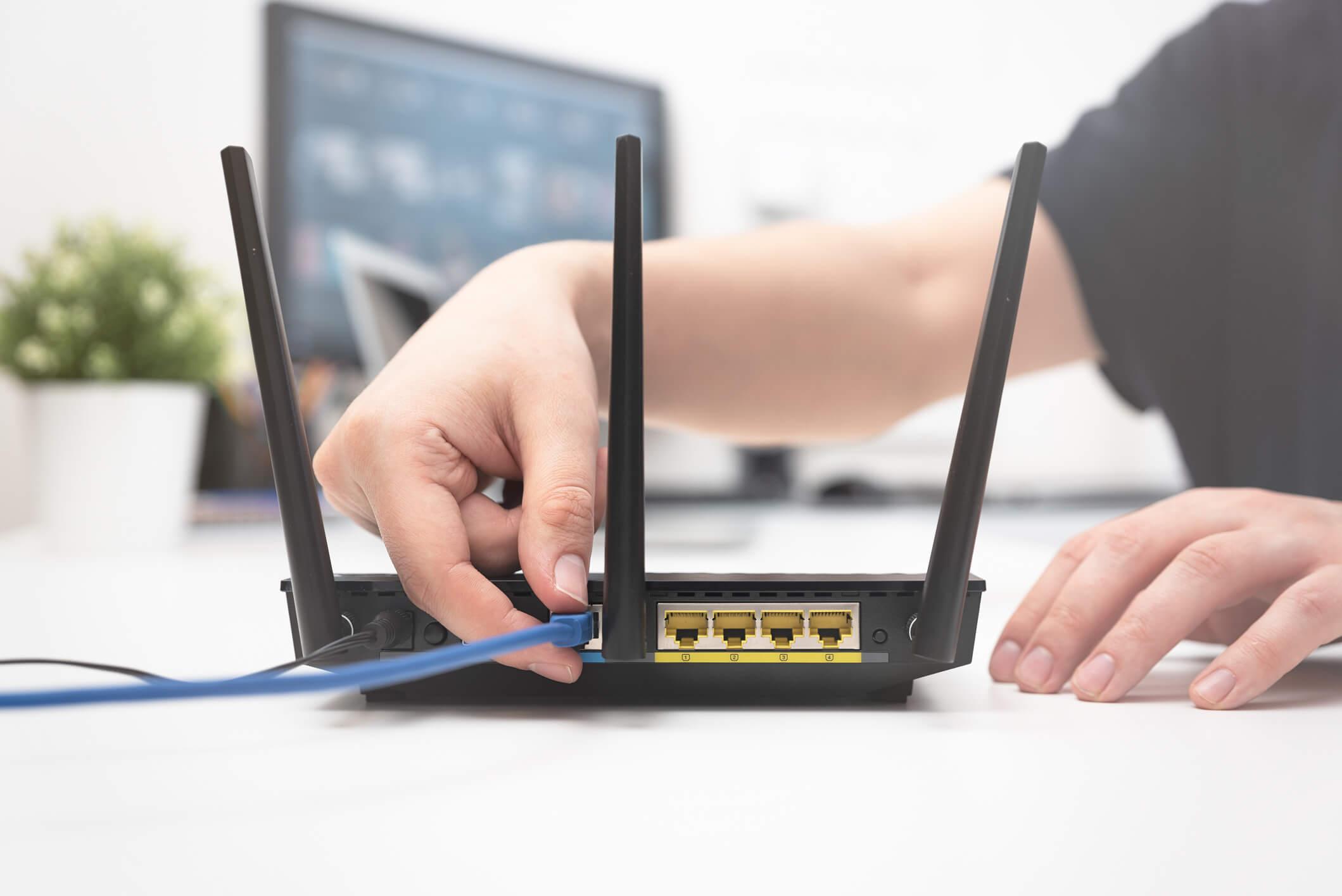
Starting a GL iNet setup is a straightforward process that empowers you to take control of your network's privacy and security. To begin, simply power on your device using the included power adapter. Once the indicator lights are stable, connect your computer or smartphone to the router's default Wi-Fi network (usually found on the bottom label) or use an Ethernet cable for a wired connection. Open a web browser and navigate to the default gateway address, 192.168.8.1, to enter the admin panel. During the GL iNet setup, you will be prompted to select your preferred language and create a strong admin password. This initial configuration is the foundation for activating advanced features like VPN encryption and AdGuard Home.
Gl inet setup

 English
 Arabic
 French
 Portuguese
 Deutsch
 Turkish
 Dutch
Dutch
 Italiano
 Russian
 Romaian
 Portuguese (Brazil)
 Greek
Greek